

It seems that the “Boost” language has made its way into Ads Manager, at least for some advertisers.
But there’s nothing to fear…
What Is This?
Under Ad Setup in Ads Manager, some advertisers see the option to Boost Post.
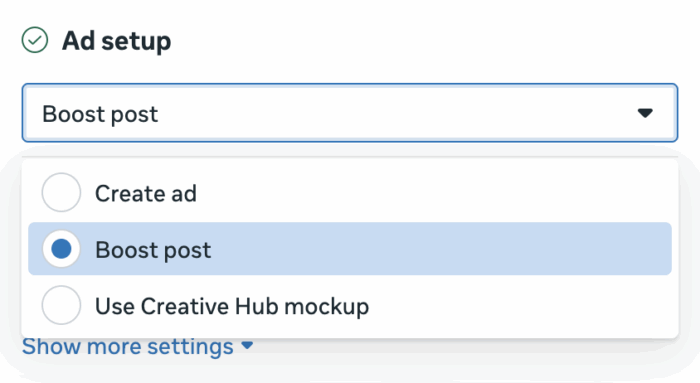
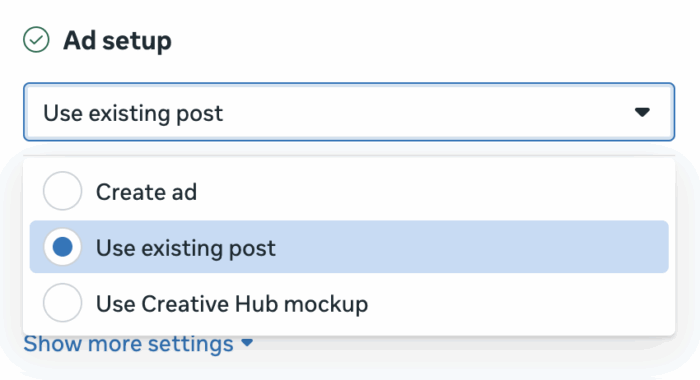
This replaces the “Use Existing Post” option in some ad accounts.
What Does This Mean?
I’ve heard from some people who were confused because the Use Existing Post option went away. They’ve heard all about how they shouldn’t “boost” posts, and they were concerned that they were losing functionality.
Well, nothing changes here but the name. And it’s not clear if this is an official change or just a test.
Honestly, when I first saw this, I thought it was a good language change. A “boost” is simply an easy way to create a campaign with a single ad set and a single ad, promoting an existing post. So I had hoped that this would help people realize that boosting was just promoting an existing post.
The problem is that not enough people understand that’s what a “boost” actually is.
I’ve seen enough confusion about this that this video was necessary. I guess you could make the argument that keeping Ads Manager the same and changing the name of the “Boost” on pages to “Promote Existing Post” would have made more sense. But that doesn’t flow off the tongue, so I get it.
If you see this option, it just means that you’re going to create an ad promoting organic content you already created. That’s it.
The problem with the traditional boost is that it’s so limiting. But when used in this context, you can still do anything you normally would with the campaign and ad set.
The post Boost in Ads Manager appeared first on Jon Loomer Digital.